
From a saved job
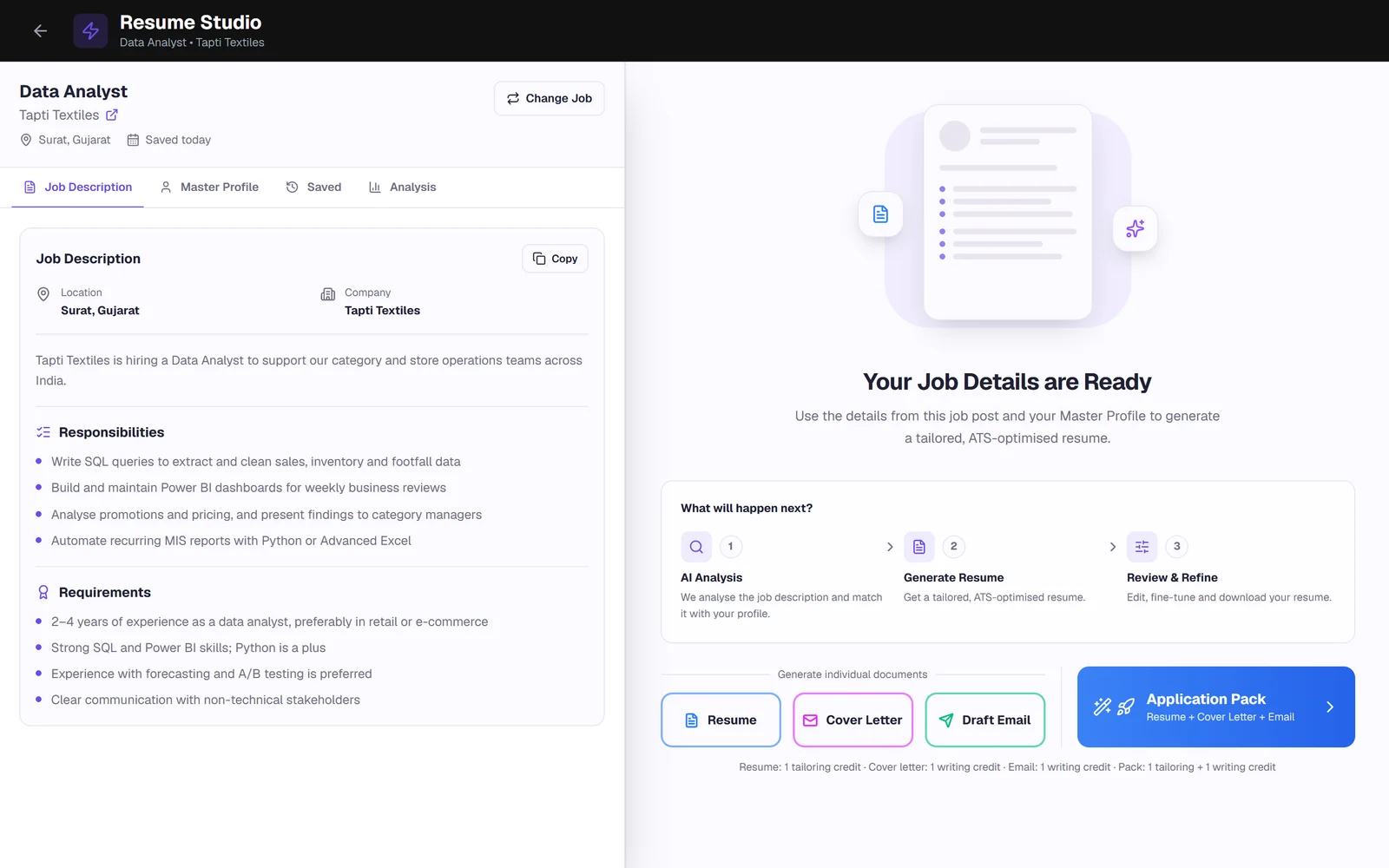
Save a job with its description in your dashboard and open Resume Studio. Generate the resume on its own, or a cover letter and email as well.
Paste a job description. Vignova reads it against your Master Profile, brings forward the experience that posting cares about, and rewrites your summary, bullet points and skills in its language. Nothing is added that is not already in your profile, and you check every change.
A job description tells you what the employer will look for first. A generic resume leaves that matching to whoever reads it, and a recruiter skimming dozens of applications has little time to find the relevant line on page two.
Tailoring puts the evidence for this role where it will be seen, in the words the posting uses. Done by hand, that means rewriting the summary, reordering bullets and pruning skills for every application. The step-by-step guide to tailoring a resume shows the manual method. The resume tailor does the first draft for you.
Tailoring starts from two inputs, your Master Profile and the job description, and ends with a resume you can edit.
Your full Master Profile and the complete job description, including requirements and responsibilities.
Decide which roles, projects and achievements to bring forward, and which to shorten or leave out for this role.
Use the posting's terms where they describe something you have done, so the match is visible to software and to people.
A short summary aimed at this role, built from your actual background.
Turn short profile notes into complete bullet points that lead with the action and include results already in your profile.
Order and group the skills from your profile so the ones this job asks for come first.
Open the result in Resume Studio to review, edit, check against the job and download.
| Part of the resume | What tailoring does |
|---|---|
| Summary | Rewritten for the role, from your background. |
| Experience bullets | Rewritten, reordered and trimmed so relevant work comes first. |
| Skills | Selected and grouped from your profile, with the posting's priorities first. |
| Projects | Relevant projects brought forward; unrelated ones may be left out. |
| Employers, job titles and dates | Kept exactly as they are in your profile. |
| Education and certifications | Kept as recorded. Nothing is added. |
| Contact details | Copied from your profile. A missing field stays empty rather than being guessed. |
The rule the resume writer follows: your Master Profile is the only source of fact. It never invents an employer, a title, a date, a degree, a certification, a tool you have not used, or a number that is not in your profile.
Your part is to read the draft. If a bullet overstates something, edit it before the resume goes anywhere.
The profile note and the job requirement below produce the tailored bullet on the right. The figures come from the candidate's own profile.
vendor coordination, POs in SAP MM, 35 vendors. renegotiated freight rates, saved 4.2 lakh per year
Managed 35 vendors and raised purchase orders in SAP MM; renegotiated freight rates to cut logistics costs by ₹4.2 lakh a year.
Illustrative example, not a real user's resume. If the profile had not recorded the saving, the tailored bullet would describe the renegotiation without a figure, because the resume writer does not invent numbers.
Save a job with its description in your dashboard and open Resume Studio. Generate the resume on its own, or a cover letter and email as well.
On Pro and Premium plans, tailor from a posting on LinkedIn, Indeed and many company career pages with the Chrome extension. The job is saved to your tracker at the same time.
Write the tailored resume, a matching cover letter and a short application email together, for one tailoring credit and one writing credit.
A tailored draft is a strong start, not a finished application. Run the ATS resume checker against the same description to see the missing keywords and any section or format issues, fix what applies, and keep the final version with its job in your application tracker.
No tailoring credits left? The free resume keyword scanner shows which of a posting's skills your current resume already mentions.
Tailor→Review and edit→Check against the job→Apply and track
It should not. The resume writer uses your Master Profile as its only source of facts and is instructed never to add an employer, title, date, degree, certification, tool or number that is not in it. Still read every draft before you use it, and delete anything that is not true.
No. Those facts come from your profile. Tailoring changes what is emphasised and how it is described: the summary, the bullet points, the order and grouping of skills, and which projects are included.
Yes. It opens in Resume Studio, where every section is editable with a live preview. Save your edits as the same version or as a new one.
One tailoring credit per resume. An application pack, which writes the resume, a cover letter and an application email together, uses one tailoring credit and one writing credit. The free plan includes 3 introductory credits.
Yes. Paste the job description from any posting. On LinkedIn, Indeed and many company career pages, the Chrome extension can save the posting for you, and on Pro and Premium plans it can start tailoring from the job page.
Yes. Tailoring works from your profile, so the more complete it is, the better the result. The quickest start is to upload your current resume as a PDF and fill in anything it left out.
No. Keyword stuffing repeats terms without context and makes a resume harder to read. Tailoring describes your real experience in the language the posting uses, where it genuinely applies. See the resume keywords guide.
For roles you really want, yes. For a batch of near-identical postings, one tailored version can cover them. The guide to how many jobs to apply for covers the trade-off.
Add the job description, generate a tailored draft from your profile, and edit it before you send it.